
Impersonation Fraud: The Complete Guide to the Most Common Scams in the UK and How to Stay Safe

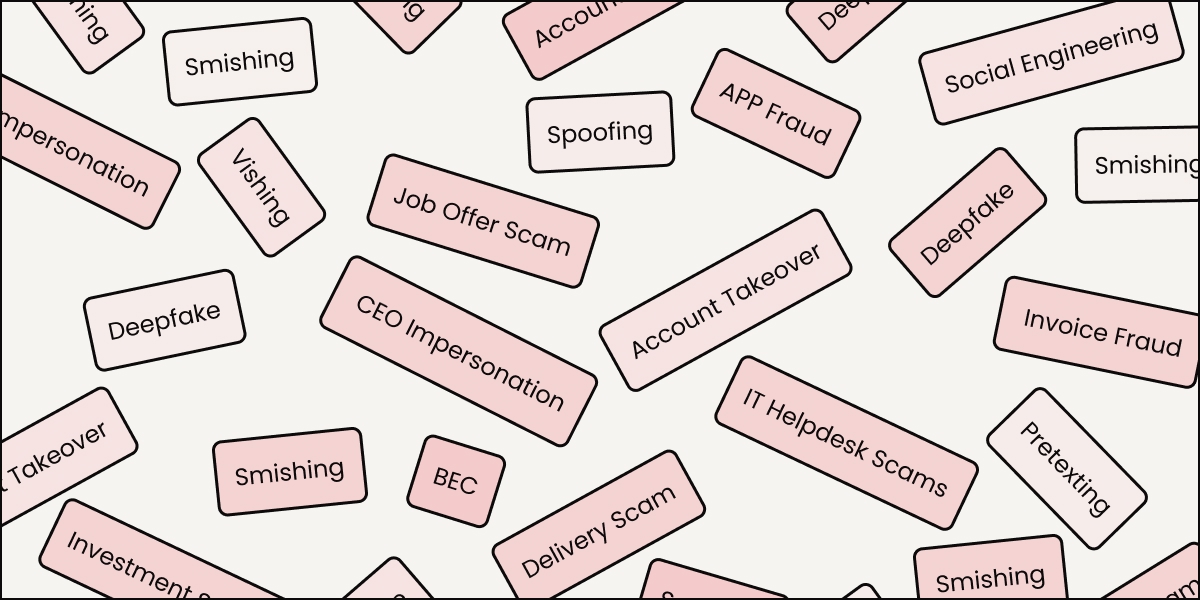
Impersonation is the oldest trick in fraud. What has changed is the scale, the sophistication, and the speed at which attackers can now do it.
This guide covers what impersonation scams are, the 24 most common types, the techniques scammers use, and what the protection looks like in 2026.
What Is an Impersonation Scam?
An impersonation scam is any fraud where the attacker pretends to be someone else (a family member, a friend, a legitimate organisation, or an authority figure) to manipulate the victim into handing over money, personal data, or access.
The deception is the point. The scammer does not need to break into your bank account if they can convince you to transfer the money yourself. They do not need your password if they can trick someone else into resetting it for them. They exploit trust, urgency, and familiarity rather than technical vulnerabilities.
The 24 Most Common Types of Impersonation Scams
1. Bank Impersonation Scams
The attacker contacts the victim by phone, text, or email, posing as a member of the bank, such as the fraud department, the security team, or even a local branch manager. They claim suspicious activity has been detected, and you must move money to a "safe account" to protect it.
2. CEO and Executive Impersonation Scams
The attacker impersonates a senior executive and instructs a finance team member to make an urgent, confidential payment. It works because it exploits the authority dynamic that makes people hesitate to question a boss.
Example: A finance assistant receives an email from an address that looks exactly like their CEO’s, asking for an urgent £10,000 supplier payment before the end of the day.
3. IT Helpdesk Scams
The scammer poses as internal IT support or a tech provider. They ask for credentials, remote access to your device, or help "verifying" an account.
Example: An employee gets a call from "IT" saying their account was flagged for a security breach. The caller asks for their password to "sync" the new security settings.
4. HMRC and Tax Authority Scams
Scammers impersonate HMRC, threatening immediate arrest or a court summons unless a "tax debt" is paid immediately, often via bank transfer or even gift cards.
Example: A voicemail claims police will attend your address within the hour unless you call back to settle a £2,000 unpaid tax bill.
5. Supplier and Invoice Fraud
A fraudster impersonates a known supplier and notifies the finance team of a change to bank account details. Future payments are then redirected to the attacker.
Example: A company receives an email from a regular vendor explaining that their bank details have changed. The next three invoices are paid to the scammer’s account.
6. Family Emergency Scam (Virtual Kidnapping)
The victim receives a call from someone claiming to be a family member in trouble (injured, arrested, or lost their wallet abroad) and needs money urgently. AI voice cloning now makes these calls sound identical to the real person.
Example: A grandparent hears their grandchild’s voice on the phone crying: "I’ve been arrested in Spain and need bail money."
7. DVLA and Government Agency Scams
Fraudsters send messages claiming there is an overdue vehicle tax fine or a refund awaiting collection to steal payment details.
Example: A text says: "Your vehicle tax is unpaid. Pay £30 now to avoid a £1,000 fine," leading to a fake payment site.
8. Utility Company Scams
Callers impersonate energy or water providers, claiming the victim has an unpaid bill or is due a Cost of Living rebate.
Example: A caller from "British Gas" says you are owed a £150 rebate, but they need your bank details to process it.
9. Brand Impersonation Scams
Criminals clone the identity of a trusted brand (like Amazon, Netflix or any other big companies) to send fraudulent security alerts or subscription updates.
Example: An email that looks visually identical to an Amazon receipt for a £900 laptop you never ordered, prompting you to "click here to dispute."
10. Recruitment and Job Offer Scams
Scammers advertise fake jobs or contact targets with unsolicited offers, asking for "onboarding fees" or personal ID documents.
Example: After a fake video interview, you are told you have the job but must pay £150 for a background check.
11. Investment and Crypto Scams
Attackers impersonate financial firms or celebrities to promote fake "get rich quick" schemes.
Example: A social media ad featuring a deepfake of a famous investor claiming they have a "secret system" that turns £200 into £2,000.
12. Delivery and Parcel Scams
A text or email claiming a parcel is waiting, but a small "customs fee" is required to release it.
Example: A text from "Royal Mail" says your parcel is at the depot and you must pay £1.99 for redelivery.
13. Tech Support Scams
A pop-up warning or cold call claiming your device is infected. The caller poses as a Microsoft or Apple agent to gain remote access.
Example: A "Microsoft" agent says your computer is sending out viruses, and they need to "scan" your files remotely.
14. NHS and Healthcare Scams
Fraudsters impersonate the NHS regarding test results, appointments, or vaccination programmes to capture personal data.
Example: A text says you’ve been in contact with someone who has a contagious virus, and you must pay for a "testing kit" via a link.
15. Lottery and Prize Scams
Victims are told they have won a prize but must pay a "processing fee" or "tax" to receive it.
Example: A letter says you've won £100,000 in a draw and asks for £200 to cover the legal paperwork.
16. Social Media Account Takeover
A fraudster clones or hacks a friend’s account and messages you, asking for money urgently.
Example: Your friend’s Instagram sends you a message: "I'm stuck at the airport, and my card isn't working, can you send me £50 for a taxi?"
17. Landlord and Property Scams
Criminals pose as landlords or agents, collecting deposits for properties that are either already occupied or do not exist.
Example: A "landlord" on a rental site asks for a £500 holding deposit before you can even view the flat.
18. Charity and Fundraising Scams
Following a disaster, scammers set up fake charity pages or pose as genuine charity workers to steal donations.
Example: A fake appeal for earthquake victims appears on social media with a link that goes to a private bank account.
19. Romance Scams
The scammer builds a fake emotional connection over months before inventing a crisis that requires money.
Example: An online partner you've never met says their business has been frozen and they need £2,000 to pay their staff.
20. PayPal and Payment App Scams
Fake "receipts" or "account suspension" alerts designed to steal your login credentials.
Example: An email saying your PayPal account has been limited due to "suspicious activity" and you must log in to verify it.
21. Student Loan and Grant Scams
Targeting students with fake updates about maintenance grants or loan repayments.
Example: "The Student Loans Company needs you to update your bank details to receive your next instalment."
22. Insurance Scams (Ghost Broking)
Fraudsters offer "cheap" car insurance on social media, taking your money for a policy that doesn't exist.
Example: A "broker" offers you insurance for £300 less than anyone else, then sends you a fake PDF certificate.
23. Tech Refund Scams
A caller claims they are closing your old computer service and want to send you a refund, but they "accidentally" sent too much.
Example: They claim to refund £50 but "typo" it as £5,000, then beg you to send the "extra" back before they are fired.
24. Council Tax Scams
A claim that you are in the wrong tax band and are due a refund, provided you pay an "admin fee" first.
Example: An email saying you are owed £1,000 in backdated tax and just need to pay a £40 "valuation fee" to get it.
The Techniques Scammers Use
Understanding the techniques is how you start to recognise an attack while it is happening.
- Phishing (Email): Deceptive emails designed to look like they come from a trusted sender (either a brand, a colleague or a vendor).
- Spear Phishing: A targeted version of phishing where the attacker uses real details about you (like your name, job role, project context) to seem genuine.
- Vishing (Voice Phishing): A phone call where the attacker uses urgency and an authoritative voice to pressure you.
- Smishing (SMS Phishing): Fraudulent texts that direct you to fake websites.
- Quishing (QR Phishing): Scammers replace real QR codes (at parking meters or on menus) with fake ones that lead to malicious sites.
- Deepfake Video and Audio: AI can now generate a voice or face that looks and sounds exactly like someone you know in real-time.
- AitM (Adversary-in-the-Middle): A sophisticated attack where the scammer sits between you and a real website (like your bank), stealing your login and even your one-time passcodes as you type them.
- Session Hijacking: Instead of stealing your password, a scammer steals the "session cookie" from your browser, letting them stay logged in as you without ever needing to know your password.
- SIM Swapping: The attacker tricks your mobile network into moving your number to their SIM card, letting them intercept your security codes.
- Spoofing: Making a call appear to come from any number or an email from any address.
- Pretexting: Creating a complex false story (the "pretext") to gain your trust before asking for information.
- Baiting: Leaving a "free" device, like a USB stick or a download link, containing malware that impersonates a legitimate file.
How to Protect Yourself and Your Family From Impersonation Scams
- Slow down. Urgency is almost always manufactured. Legitimate banks, government agencies, and employers do not demand immediate action that bypasses the normal verification process. The faster you are asked to move, the more carefully you should pause.
- Verify through a separate channel. If you receive an unusual request by email, call back using a number from the organisation's official website. If a message claims to come from a colleague, contact them directly through a different channel before acting.
- Treat requests for payment or credentials as high-risk. Any request that involves money, passwords, or access to systems should be treated as a potential attack until confirmed otherwise, regardless of how convincing it seems.
- Be sceptical of urgency combined with secrecy. "Do this now and don't tell anyone" is a signature pattern of social engineering. Legitimate processes have oversight.
- Assume that voice, video, email and phone number can all be faked. This is no longer theoretical. A convincing voice, a familiar face on screen, and an email from the right address are not sufficient proof of identity in 2026. AI has changed fraud in ways that make the old detection instincts unreliable, understanding that shift is the first step to not being caught by it.
UnDoubt: Impersonation Fraud Protection for Individuals
All of the above is useful, but it leaves one question unanswered: if you cannot trust a voice, a face, or an email address, how do you actually verify someone? Calling back on an official number or using a different channel to confirm the request helps in some situations. It does not help when the attacker has already thought about that. UnDoubt is built to fill that gap.
How It Works
When you install UnDoubt, your phone generates a unique cryptographic key that is locked inside its secure hardware. It cannot be copied, exported, or faked, even by someone who knows everything about you. Your face scan or fingerprint, used to unlock the app, never leaves your device.
When you need to confirm that someone is really who they say they are, you send them a verification request. They confirm it on their app. You see the result. The whole process takes a few seconds. An AI agent, a voice clone, or a spoofed email account cannot confirm the request because it does not have access to the real person's device.
UnDoubt: When to Use the App
- Received a call from someone claiming to be a family member in trouble? Before you transfer anything, send a verification request. If it is really them, they confirm in seconds. If it is not, you will know immediately.
- A friend has messaged asking to borrow money urgently? It takes one tap to verify it is actually them before you act.
- Your parents or grandparents get a lot of suspicious calls? Setting them up with UnDoubt gives them a simple way to check before they do anything. If a call ever feels off, one tap tells them whether the person on the line is real.
- Running a small business and getting payment requests from people you know? Verify the person before the money moves. A supplier, a contractor, a business partner – if they have UnDoubt, you can confirm it is really them in seconds.
UnDoubt: Impersonation Fraud Protection for Enterprises
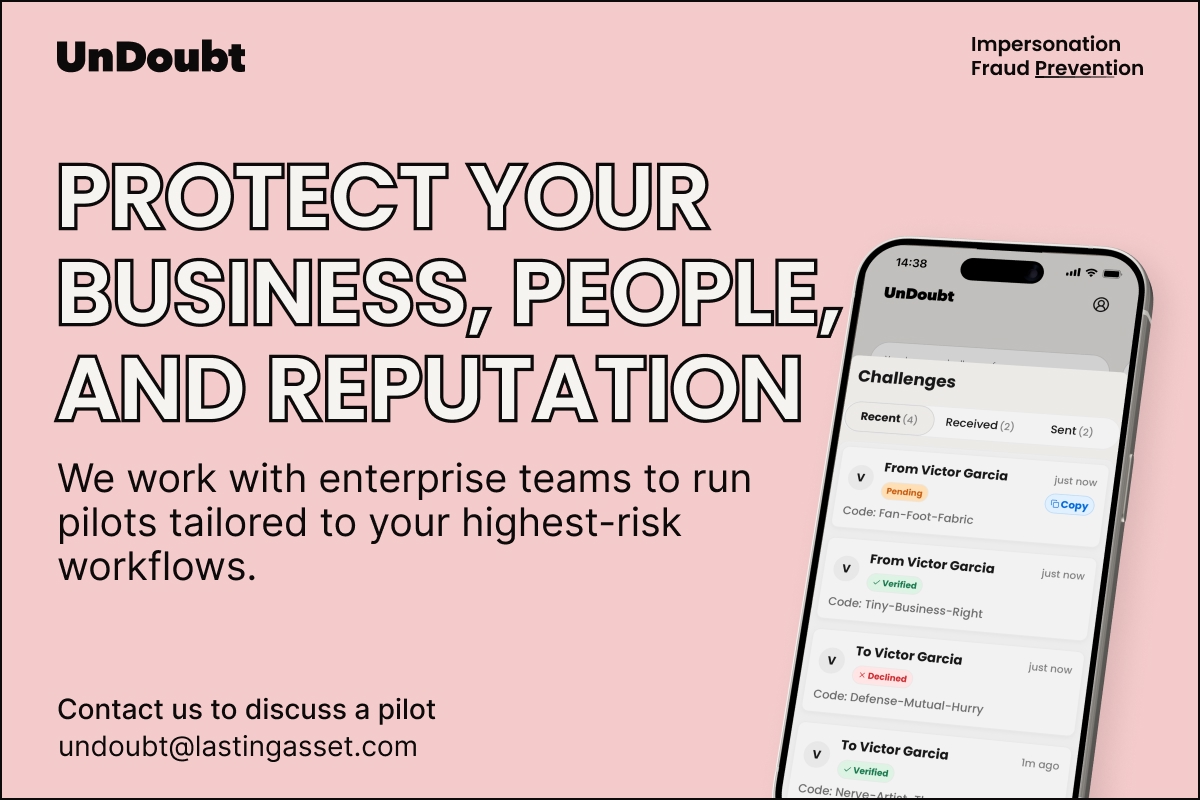
UnDoubt for enterprise solution extends this protection across your workforce.
- UnDoubt Workforce verifies that every colleague-to-colleague interaction comes from a real person on an approved device.
- UnDoubt Connect extends that protection to your suppliers and external partners.
- UnDoubt Verify gives your customers a way to confirm they are genuinely speaking to your organisation.
The result: the attack surface that social engineering, CEO impersonation, and helpdesk fraud rely on disappears.
How Is UnDout Different from Detection Tools?
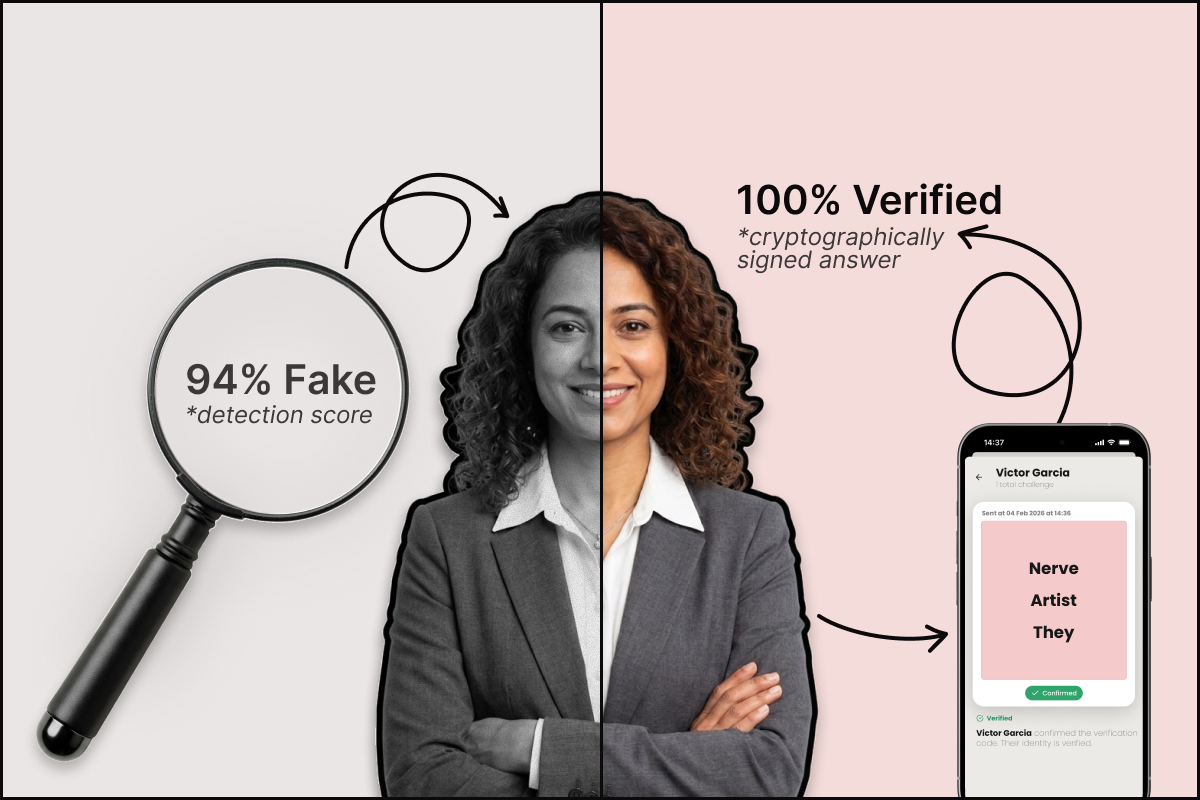
Detection tools try to guess whether something looks fake. Their accuracy often degrades as AI gets better. UnDoubt does not try to detect abnormal patterns. It proves. When someone confirms a verification request, you have cryptographic certainty that the request came from a person who physically holds a verified device. That is not something an AI agent, a voice clone, or a spoofed email can replicate.
Contact us at undoubt@lastingasset.com to discuss a pilot programme tailored to your organisation’s highest risk workflows.

.png)